
If Your WordPress URL Still Points to a Staging Domain, Google Is Indexing the Wrong Site
When a physician moves offices, the address on file with the state board, the hospital, and every insurance panel has to change everywhere at once, or referrals and claims keep routing to a door that doesn’t open anymore.
Miss one directory and a specialist’s letter sits in an empty suite for months before anyone notices, because nothing about that kind of mistake announces itself.
The system keeps running normally and quietly sends people to the wrong place.
A WordPress site can carry the same stale address, and it happens more often than many practices assume.
Every WordPress site starts life on a temporary build location, invisible to patients, while the site gets assembled and connected to the live domain. Many practices never think about that step, because someone else handled it during launch.
But if one setting from the build phase never got switched over afterward, your site is still quietly telling every search engine that its true home is that original build location, months after the practice went live publicly. Sometimes years.
The two fields that decide who your site says it is
WordPress keeps two settings, WordPress Address and Site Address, under Settings, then General.
Every canonical tag, sitemap entry, and internal link WordPress generates pulls its address from those two values. Together they tell a crawler which version of a page counts as the real, authoritative one.
When both fields list your live domain, none of this ever surfaces, which is exactly the point.
When one of them still lists the old build location, every page on your site is quietly asserting that its real home is an address built for developers.
Google generally respects that assertion. It takes your live domain as the copy and the old build location as the source, even though that address returns nothing a patient could ever find.
The visitor experience doesn’t change at all. The site loads, the forms work, the phone number is correct. The mismatch lives one layer down, in markup no human visitor ever sees and every search engine reads on every crawl.
The five-minute check
You don’t need a developer or a paid audit tool to find out whether this is happening to you.
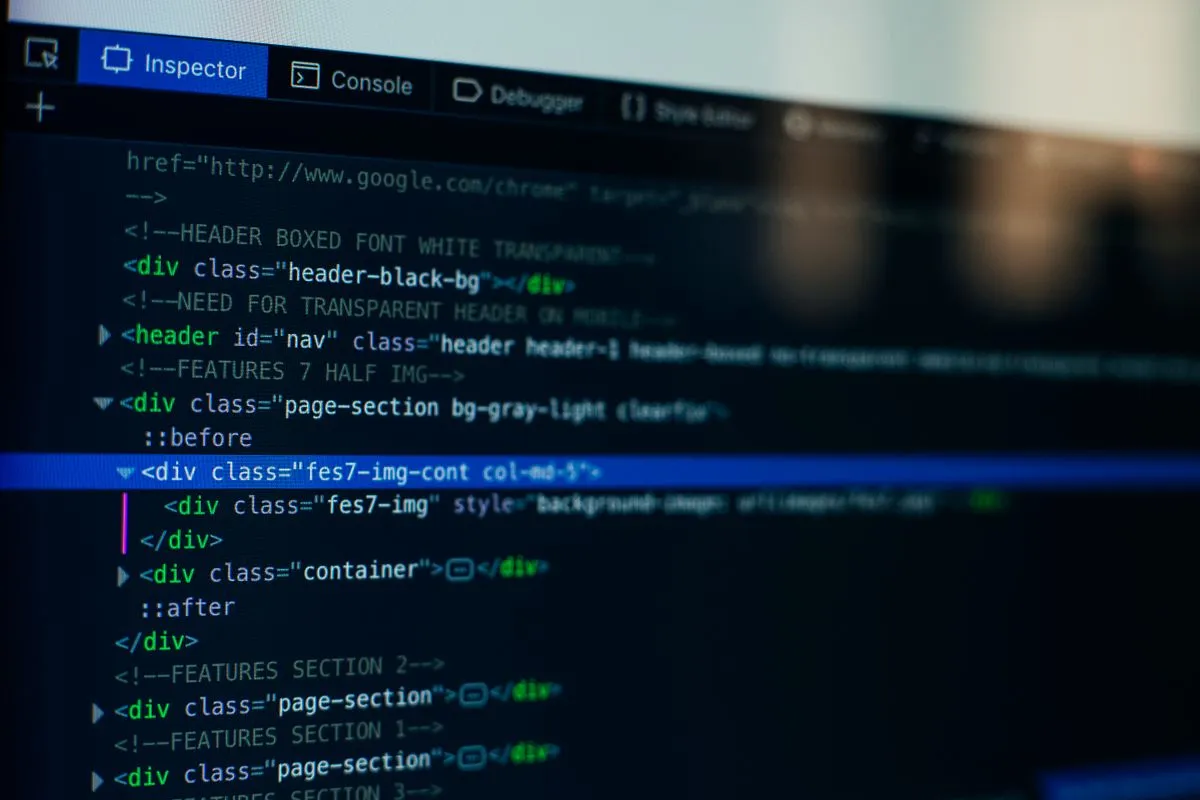
View source. Open your homepage, right-click, and choose “View Page Source.” Search the page for “canonical.”
You should find a line that looks like <link rel="canonical" href="https://yourdomain.com/" />. If that address is a staging subdomain, an IP address, or anything other than your live domain, that’s the problem, and it’s likely the same on every page.
The sitemap. Add /sitemap.xml (or /sitemap_index.xml) to your domain and open it in a browser.
Every URL listed should use your live domain. A sitemap full of staging addresses confirms the same misconfiguration a second way.
Search Console. If your practice has Google Search Console set up, open the Pages report.
A pattern of pages marked “Duplicate, Google chose different canonical than user” is a strong signal. Google is seeing your real pages and then deferring to a staging address instead.
Any one of the three is enough on its own to confirm the problem or rule it out.
Why it survives the launch checklist
A go-live checklist is built around what a person can see. Does the homepage load on the new domain, do the forms submit, does the phone number ring the right line.
The WordPress Address and Site Address fields sit underneath all of that.
The site looks entirely finished with either field left unset, so nothing visual signals that a step got skipped, and there’s no reason for anyone without a technical background to think to go look.
That’s how the misconfiguration can run for years without anyone at the practice knowing. Every patient who visits the site has a completely normal experience.
The damage is entirely in how the systems deciding whether to send patients there in the first place understand the site, and nothing flags it unless someone runs the specific check above.
The fix
So run the view-source check on your homepage today. It takes under a minute and tells you immediately whether this applies to you. If the canonical tag matches your live domain, you can stop there.
If it doesn’t, go to Settings, then General, and put your live domain in both fields, including the https. The whole fix is a settings change. No content moves, no design changes, nothing about the site itself gets touched.
If you’d rather not do it yourself, hand it to whoever manages your site technically and be specific about which two fields need to match your live domain.
And if the staging environment is still publicly reachable, ask them to add a permanent redirect from it to your live domain, so it stops competing with your real site for the same content.
Once the fields are corrected, don’t just wait for Google to notice on its own schedule.
Open Search Console, pick your homepage plus the two or three pages that bring in the most patient traffic, and submit each one through the URL inspection tool’s request-indexing option. That tells Google to recrawl those specific pages soon rather than whenever its normal cycle gets to them, which matters most if the mismatch has been live for a while.
Questions practices ask about this
Can my office handle this in house, or does it need a specialist?
Your office can handle it in house in about a minute, with one caution. A typo in the WordPress Address field can lock you out of your own admin login, since that field controls where the login page lives. Copy the live domain exactly, https included, and keep your host's support number nearby. If that feels risky, it's a support-ticket-sized task for whoever manages the site.
How long after I fix it before Google shows the right pages?
There is no set schedule, because it depends on how often Google crawls your site. Requesting indexing in Search Console asks Google to recrawl your homepage and top pages rather than waiting for the normal cycle. From there, check the Pages report every couple of weeks and watch whether the duplicate-canonical count moves. The longer the mismatch has been live, the longer it can take to settle.
What happens if I ignore it?
You keep losing search visibility on the pages patients use to find you. When Google treats a staging address as the original, your live pages compete against a version patients can't reach, so your location and service pages can sit lower than the content deserves. Any content or SEO work done during that stretch has been landing on an address no patient can visit.
My site isn't on WordPress. Do I still need to check this?
Yes, run the same view-source check. Squarespace, Wix, Duda, and custom builds can all publish canonical tags pointing at a preview or builder subdomain, and the symptom looks identical from the outside. The fix lives in a different place on each platform, usually the domain or SEO settings rather than a General screen. The same check also catches http versus https and www versus non-www mismatches, which cause similar confusion.
Photograph: Markus Spiske / Pexels